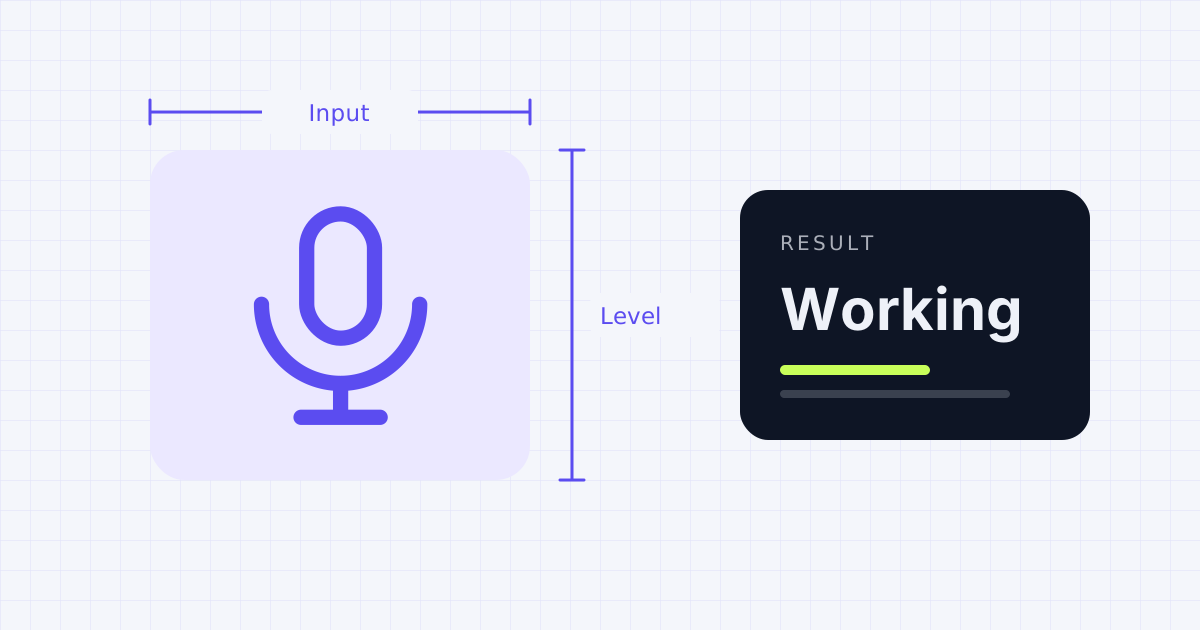
How to test your microphone
Press Start mic test and your browser will ask for permission to use the microphone. Allow it, then speak normally. If the green bar jumps when you talk, your mic is working and the browser can hear it.
Want to know how you actually sound? Press Record 5 seconds, say a sentence, and play it back. That's the quickest way to catch a muffled headset, background hum or a mic that's set too quiet.
If you have more than one microphone, such as a laptop mic and a USB headset, pick the one you want from the list. Many "my mic isn't working" problems turn out to be the wrong device selected.
What the level meter tells you
- 0 to 5% while you talk: the mic is muted, too quiet, or the wrong one is selected
- 10 to 60%: a healthy level for calls and recordings
- Near 100% all the time: too loud, and your voice may sound distorted
Mic not working? Try these fixes
- Check the mute switch. Many headsets have a mute button on the cable or earcup, and some laptops have a mic key on the keyboard.
- Allow access in the browser. Click the lock icon next to the web address and set Microphone to Allow, then reload.
- Check system privacy settings. On Windows, open Settings, then Privacy & security, then Microphone, and make sure apps and desktop apps can use it. On a Mac, open System Settings, then Privacy & Security, then Microphone, and turn on your browser.
- Close other apps. Zoom, Teams or Discord can hold the mic and block other programs from using it.
- Try another port or cable. For USB mics, a different port often fixes a mic that isn't detected.
Testing your camera too? Use the webcam test, and check your output with the speaker test.
Frequently asked questions
Is this mic test safe?
Yes. The test runs entirely in your browser. Your audio isn't uploaded, stored or sent anywhere, and the recording disappears when you close the page.
Why does the mic test say permission was blocked?
Your browser or operating system has denied microphone access. Click the lock icon in the address bar, allow the microphone, and reload. Also check your system's privacy settings for the microphone.
Can I test a headset or USB microphone?
Yes. Plug it in, press Start, and choose it from the Microphone list. The list fills in after you allow access.
Why is my microphone so quiet?
The input volume may be set low. On Windows, open Sound settings and raise the input volume for your mic. On a Mac, go to Sound settings, choose Input, and drag the input volume slider up.
Sources
- Microsoft Support: Fix sound or audio problems in Windows
- Apple Support: Control access to your camera and microphone on Mac
- MDN Web Docs: MediaDevices.getUserMedia()
Results depend on your device, browser and settings. Nothing you test on this page is uploaded or stored.
Spotted a mistake? Email corrections@gadgetior.com and we'll check it.