How the reaction time test works
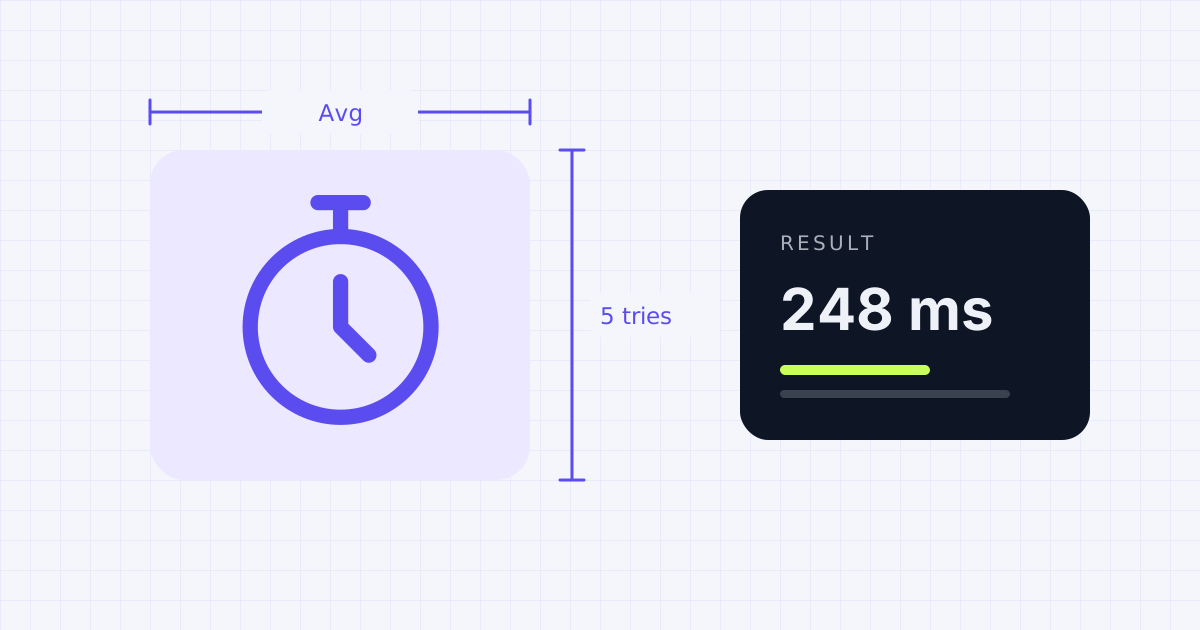
After you click to start, the box turns red and the tool waits a random time between 1.5 and 4 seconds. Then it turns green. The time between green appearing and your click is your reaction time, measured in milliseconds (ms). One second is 1,000 ms.
The random wait stops you from guessing the rhythm. Click while it's still red and the try doesn't count.
What's a normal reaction time?
In lab conditions, young adults take about 190 ms to react to a light and about 160 ms to react to a sound. Online tests like this one read higher, because your mouse, browser and screen each add a little delay. For a simple "see it, click it" test in a browser, many people score somewhere around 200 to 300 ms. Under 200 ms is quick. Scores vary from try to try, which is why the tool averages five.
Average reaction time: how to read your score
| Your average | What it means on this test |
|---|---|
| Under 200 ms | Very fast, close to lab-level reaction to a light |
| 200 to 250 ms | Quick, better than most people on a typical setup |
| 250 to 300 ms | Normal for a browser test on a standard mouse and screen |
| Over 300 ms | Slower than usual; check for lag, or try again when you're rested |
Reaction speed improves through childhood, stays fairly steady through early adulthood and middle age, and slows gradually later in life, so age matters more than most people think.
Things that change your score
- Your screen: a 144 Hz monitor shows the green a few milliseconds sooner than a 60 Hz one
- Your mouse and connection: wireless and older mice can add delay
- Your browser: background tabs and heavy apps can add lag
- You: sleep, focus and warm-up all make a real difference
Tips for a fair test
- Close other heavy apps and tabs first.
- Use a wired mouse if you have one.
- Do one or two warm-up rounds before counting your score.
Check how quickly your screen updates with the refresh rate test, or see how fast you can click with the click speed test.
Frequently asked questions
What is a good reaction time?
On a simple visual test like this, around 200 to 300 milliseconds is common. Under 200 ms is fast.
Why are my results different every time?
Reaction time naturally varies by tens of milliseconds between tries. That's why the test takes an average of five.
Does my monitor affect reaction time tests?
A little. Higher refresh rate screens show the color change sooner, which can shave several milliseconds off your result.
Can I improve my reaction time?
Practice, good sleep and staying focused can help somewhat. Most of the gains come from consistency rather than raw speed.
Sources
Results depend on your device, browser and settings. Nothing you test on this page is uploaded or stored.
Spotted a mistake? Email corrections@gadgetior.com and we'll check it.