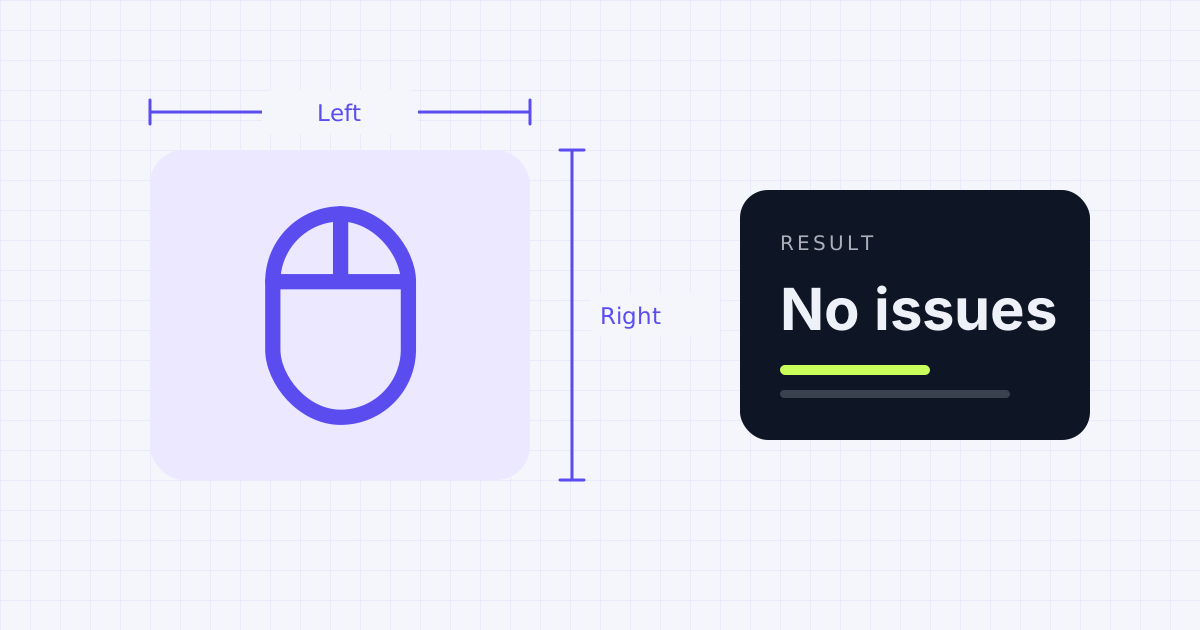
How to test your mouse
Move your pointer into the test area and click each button one at a time: left, right, middle (press the scroll wheel down), and the two side buttons if your mouse has them. Each button lights up while it's held and turns green once it's been detected.
Then roll the scroll wheel up and down slowly. The counter should go up by one step at a time in the direction you scroll. If it jumps backward now and then, the wheel's sensor is probably dirty or worn.
Checking for double-click problems
A common fault in older mice is a worn switch that sends two clicks when you press once. It's annoying: files open when you only meant to select them, and drag-and-drop lets go by itself.
The tester watches for two presses of the same button less than 80 milliseconds apart. Most people can't click that fast on purpose, so if you see the warning after a normal single click, the switch is likely chattering.
A quick double-click check
- Click the left button slowly 20 times, about once a second
- The left counter should read exactly 20
- If it reads more and the warning appears, the switch is double-clicking
What to do about a faulty mouse
- For wireless mice, charge or replace the battery first. Low power can cause erratic clicks.
- Clean around the buttons and the wheel with a dry brush or compressed air.
- If the mouse is under warranty, a double-clicking switch is usually covered.
See how fast you can click with the click speed test, or check your keys with the keyboard tester.
Frequently asked questions
How do I know if my mouse is double-clicking?
Click one button slowly a set number of times and compare the counter. If the count is higher than your clicks and the tool shows a fast-repeat warning, the switch is sending extra clicks.
Why don't my side buttons register?
Some mice need their own software to turn the side buttons on, or the buttons may be mapped to another action. Most standard side buttons work as Back and Forward in browsers.
Can I test a laptop touchpad?
Yes, for left and right clicks and two-finger scrolling. Touchpads don't have middle or side buttons, so those won't light up.
Why does my scroll wheel jump the wrong way?
Dust in the wheel sensor or a worn encoder can cause the scroll to skip or reverse. Compressed air sometimes fixes it.
Sources
Results depend on your device, browser and settings. Nothing you test on this page is uploaded or stored.
Spotted a mistake? Email corrections@gadgetior.com and we'll check it.